
Guided inputs for recurring Indian legal documents
← All features
From facts to first draft
Quick Draft
Start with the matter, not a blank document.
Create a structured, case-specific first draft in under 60 seconds.
Open Juniorlawyer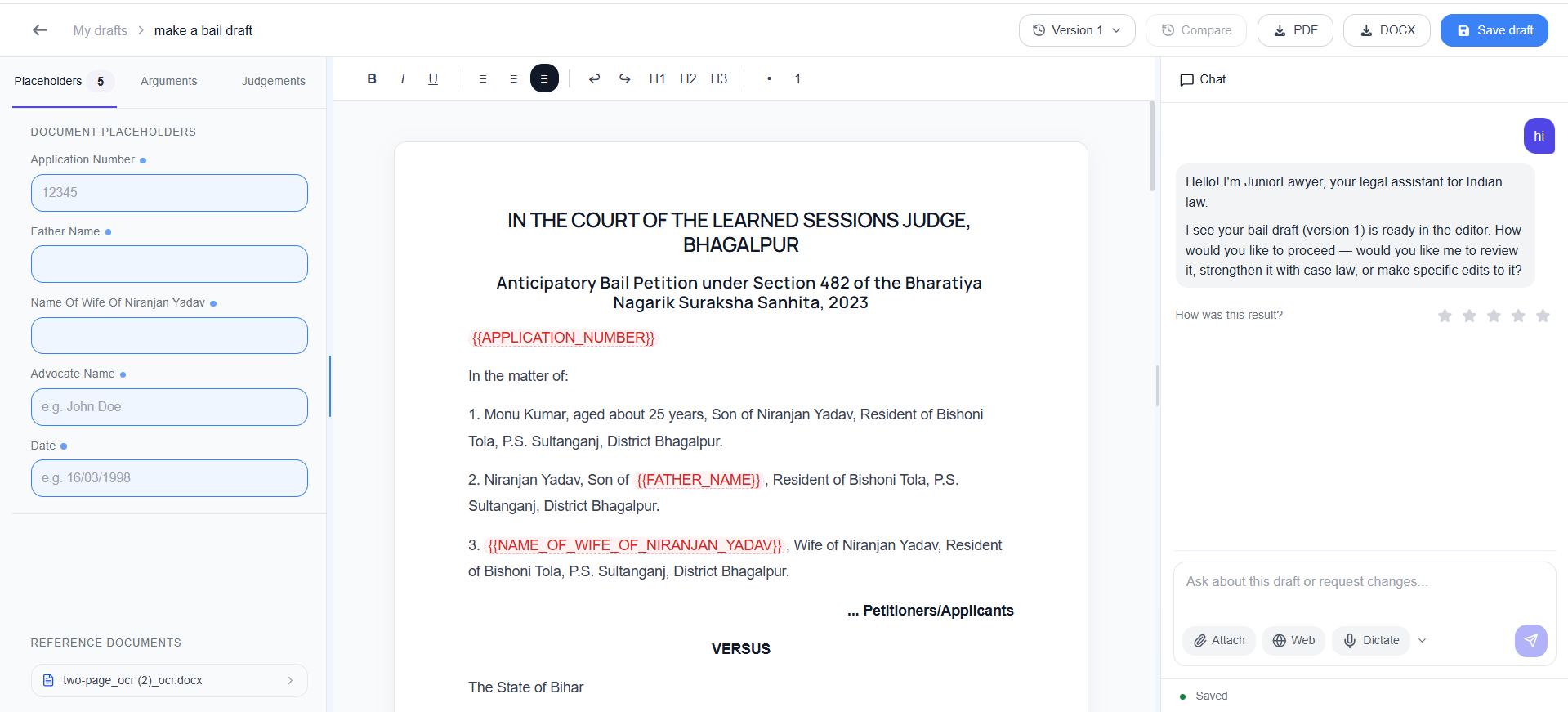
WHEN IT HELPS
Quick Draft in daily practice.
Urgent drafting often begins with scattered facts, scanned records and a format that must be rebuilt under time pressure. Quick Draft turns the available matter information into a structured starting point that a lawyer can review and refine.
A common situation
When a client walks in with an FIR and the bail hearing is tomorrow, add the facts, choose the document type and start reviewing a complete draft instead of formatting a blank page.
Spend the first hour on legal strategy—not repetitive typing.
CORE TASKS
What you can do.
Matter-specific structure based on the facts provided
Editable output ready for professional review
HOW TO USE IT
Three steps from source material to reviewed work.
Choose the document
Select the legal draft or guided workflow required for the matter.
Add the facts
Enter the key facts and use the available source documents as context.
Review the draft
Check the facts, grounds, authorities, language and prayer before finalizing.
COMMON USES
Where it fits into legal work.
Bail applications from FIR details
Legal notices from client instructions
Replies, petitions and hearing notes
Review before use.
Check extracted text, translations, facts, authorities and generated documents before filing, advising or relying on them.